
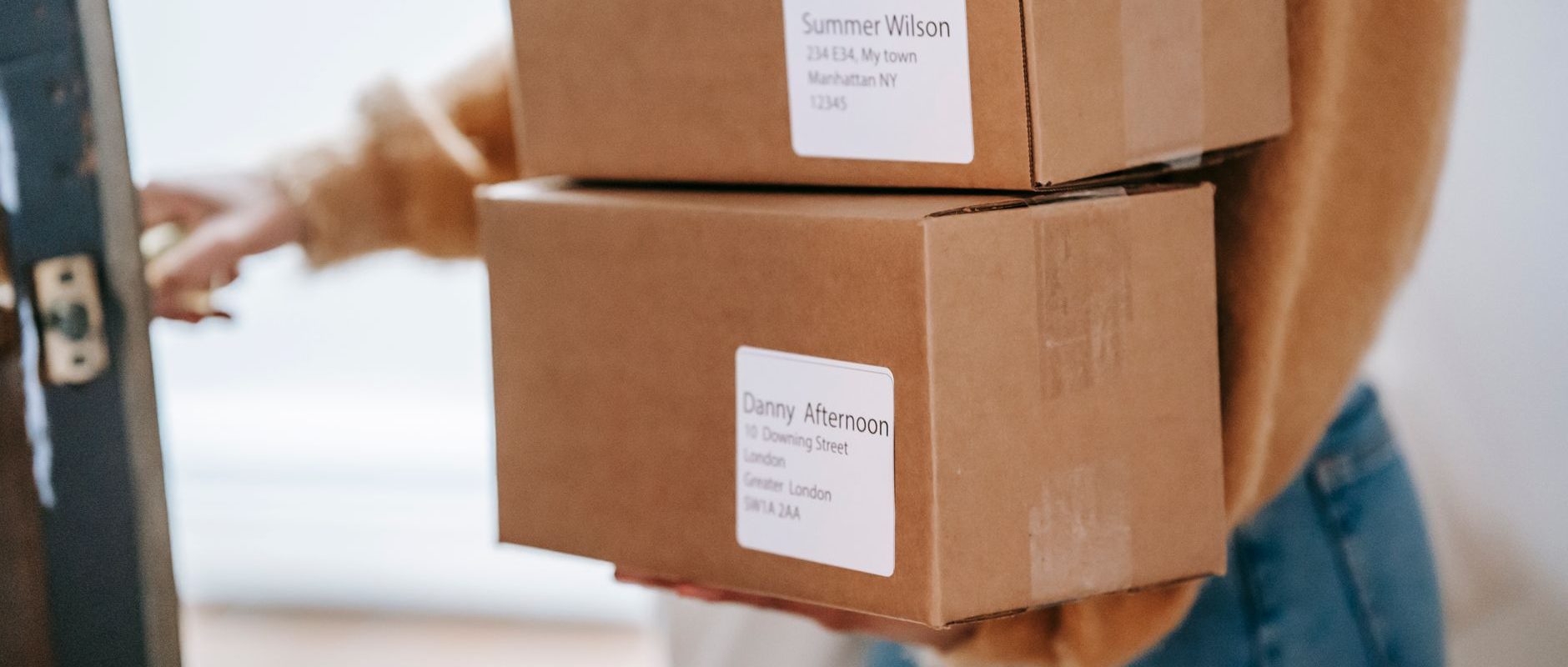
Why Packages Can "Disappear" When You Enter the Wrong China Consolidation Warehouse Address
Ordering from Taobao, JD.com, Pinduoduo, or 1688 to ship to a China consolidation warehouse is essentially no different from shipping to an ordinary recipient: the courier only looks at the recipient, phone number, and address on the label. The difference is that a consolidation warehouse receives a large number of packages every day from different platforms and different sellers, and the warehouse needs the "member identifier" to match packages to your account. If the label only has the warehouse address without your member identifier, or the name doesn't match, the package may be set aside as unclaimed, or even rejected and returned to the seller.
YesCanadaFor buyers, the problem is often not "the address is wrong," but "the information is incomplete." Many platforms have character limits in the address field, or the seller truncates the remarks when printing the label. The checklist below helps you verify every item before placing an order.
Five pieces of information that must be verified before placing an order
1. Recipient Name
The recipient should be the name you registered in your consolidation account, or the name format explicitly required by the account system. Don't use nicknames, English initials, or names inconsistent with your account. If the platform requires a Chinese name, enter the Chinese name registered on your account; if only pinyin is allowed, keep it consistent with your account registration.
2. Member ID
The member identifier is the key for the warehouse to identify which package belongs to whom. It may be a member number, a warehouse code, or a unique identifier generated by the account system. It is usually entered after the recipient's name, or on the second line of the address. Before ordering, log in to your account and confirm the current member identifier format you're using—don't fill in an old number from memory.
3. Contact Phone
For the phone number, enter a number that can reach you, and pay attention to the country code. Some platforms default to the Chinese mobile number format, so if you use a Canadian number, confirm whether you need to add the international country code. An incorrect phone number will cause delivery to fail, the package will be returned to the seller, and reshipping means waiting through another round.
4. Warehouse address and notes
The warehouse address must be copied exactly and completely as shown in your account, including province, city, district, street, and door number. If the remarks field has a character limit, prioritize keeping the member identifier and name, and only then other notes. Don't write remarks like "please leave at the door," which are meaningless instructions for the warehouse.
5. Saving and reusing addresses in the platform address bar
After saving the address on platforms like Taobao, JD.com, and Pinduoduo, it will be automatically filled in on your next order. Before saving, check it word by word, and still check each time you order afterward to see whether the seller has changed the label information. When shopping on multiple platforms, it's recommended to create a separate address entry just for the consolidation warehouse, rather than mixing it with addresses of friends or family in China.
Comparison table of common filling errors for Canadian buyers
| Common ways people fill it in | Possible consequences | Recommended approach |
|---|---|---|
| Only the warehouse address is written, without the member identifier | Package cannot be matched to an account after being received at the warehouse | Add the member ID after the name, or fill it in as required by the account |
| Recipient name is a nickname or English name | Doesn't match the account registration, making verification difficult | Use the name registered on the account |
| Phone number is missing the international country code | If the courier can't reach you for delivery, the package may be returned | Confirm the phone number format required by the account |
| Write "fragile" or "handle with care" in the remarks | Takes up remark space and crowds out key information | Write the member ID in the remarks first; put special requests in the account remarks |
| Wrong province/city selected in the address field | Courier delivers to the wrong area | Copy the account address exactly, and verify it level by level |
Verification Steps After Placing an Order
- After placing your order, go back to the order details page to check the seller's shipping information and confirm that the recipient and phone number on the label are not cut off.
- If the platform shows a seller-defined address, contact the seller to confirm whether they will ship to the ImagineShip warehouse address you filled in.
- After the package is shipped, enter the tracking number into the arrival forecast in your ImagineShip account (if your account supports it), so the warehouse can match it in advance.
- After arrival, check the item name, quantity, and photos in the warehouse receipt notice, and if you find any issues, submit a problem report in your account promptly.
Address management tips for shopping on multiple platforms
Canadian buyers often shop for clothes on Taobao, electronics on JD.com, and daily necessities on Pinduoduo at the same time. Each platform's address book is independent, and changing one won't sync to the others. It's a good idea to build your own checking habit: before placing each order, open your ImagineShip account, compare the current address and member ID, and then paste it into the platform's address field. If your account information is updated, take the initiative to update it in each platform's address book rather than waiting for a problem to arise.
What else needs to be done after the package arrives at the warehouse?
Filling in the address is only the first step. Once your packages arrive at the warehouse, you can choose services such as consolidation, basic quality inspection and photos, and repackaging based on your needs. Consolidation can reduce the number of packages, but it may also affect volumetric weight and the shipping method, so it's best to understand the billing logic before deciding. The relevant operations and fees are subject to the real-time instructions and quotes in your account.
If you're still not sure whether your packages are better suited for consolidation or separate shipping, you can first check Consolidation Shipping Instructions, and operate only after understanding the basic rules. For first-time use, you can first Register an account, to get your own warehouse address and member ID.
Frequently Asked Questions
Should the member ID be filled in the name field or the address field?
Follow the example provided on the account page. Different warehouses have different identification rules, so copying the example exactly is the safest approach.
What should I do if the seller says the address is too long to fit completely?
Prioritize ensuring the recipient's name, member ID and phone number are complete. The address can be simplified to the minimum range that still allows delivery, but the province and city cannot be omitted.
What should I do if I discover the information was filled in incorrectly after the package has already been shipped?
Contact the seller and the courier company as soon as possible to try to make changes, and at the same time submit the correct information to the consolidation warehouse customer service, explain the situation, and see whether they can help identify it. Whether it can be intercepted depends on the actual logistics status.
Reminder on Customs Clearance and Taxes
Customs Clearance and Tax Reminders
Import rules in various countries are subject to change; required documents and applicable fees depend on the product, declaration information, shipping method, and destination. Before shipping, please refer to the latest requirements published by the destination country's customs or tax authority, and provide product information truthfully.